
How to Search Civil Dockets
Open Indiana MyCase and pick Fulton County. Choose Civil, Family, or Probate, whichever fits the matter you know about. An exact case number works best. A cross reference helps too. For people, pair a last name with a first name or initial; for companies, use the Business Name field instead of jamming the words into the personal-name boxes.
Broad searches can bump into the portal's 1,000-result limit, so narrow with filing dates or Open and Closed status. Open the likely case and check the court, case type, caption, status, and filing date. MyCase is a remote window, not a certified record. For anything missing, old, protected, or official, contact the Fulton County Clerk of Courts by phone, fax, mail, or at the counter.
- Choose the Case or Name search tab.
- Select Fulton County and a civil category.
- Enter the number, business name, or party name.
- Verify court, type, party role, and dates.
- Read the event sequence and ask the clerk for official copies.
Two Fulton Civil Docket Courts
Under Fulton's local rules, most civil and probate matters may be filed in either Circuit or Superior, as long as that court has jurisdiction and the party starting the case picks it. Small claims always go to Superior. So do not assume the bigger civil cases live only in Circuit, and do not quit after one court's docket comes up empty. Check both.
| Fulton court | Civil docket role | Code |
|---|---|---|
| Circuit Court | Civil, family, and probate filings within jurisdiction | 25C01 |
| Superior Court | Small claims plus civil and probate filings within jurisdiction | 25D01 |
One elected clerk serves both courts. Let the case header on the docket tell you which court maintains the file, not a guess built on the size of the dispute or a party's address.
What a Civil Docket Shows
A Fulton County civil docket summary starts with header data, then lists the parties and a dated run of events. Some cases add cross references, related matters, financial information, and documents tied to specific events. Seeing an event listed does not mean its exhibit, affidavit, or order can be pulled online.
| Case Number | County and court code, filing year, type code, and sequence. |
|---|---|
| Parties | Public roles such as plaintiff, defendant, petitioner, or respondent. |
| Filings | Complaint, petition, answer, affidavit, motion, response, or notice events. |
| Service | Summons and return events without a need to copy protected addresses. |
| Settings | Dates, times, court, judge, result, and cancellation fields when entered. |
| Judgment | Orders, judgment, dismissal, satisfaction, and later activity remain distinct. |
Note: a Closed status on the portal does not, by itself, prove that every judgment, payment, or post-judgment step is done.
Fulton Civil Summary Example
One recent Fulton Circuit collection-type summary showed how these records are built. All identifying details were stripped away. The header carried court, case type, filing date, and status. Its chronology ran from initiation through filing and service. Then came an affidavit or motion, an order, and notices. The order event carried a judge field. Some events had public document arrays. No bond, related-case, or cross-reference entries appeared.
The sample served one purpose: learning structure. Names, case identifiers, business details, filenames, and document text were left out. One example cannot prove every Fulton County civil docket shows the same pieces. It does show the right reading order. Read from header to parties to each dated event, instead of stopping at the caption or status. The official MyCase case-summary template lays out the fields this interface displays.
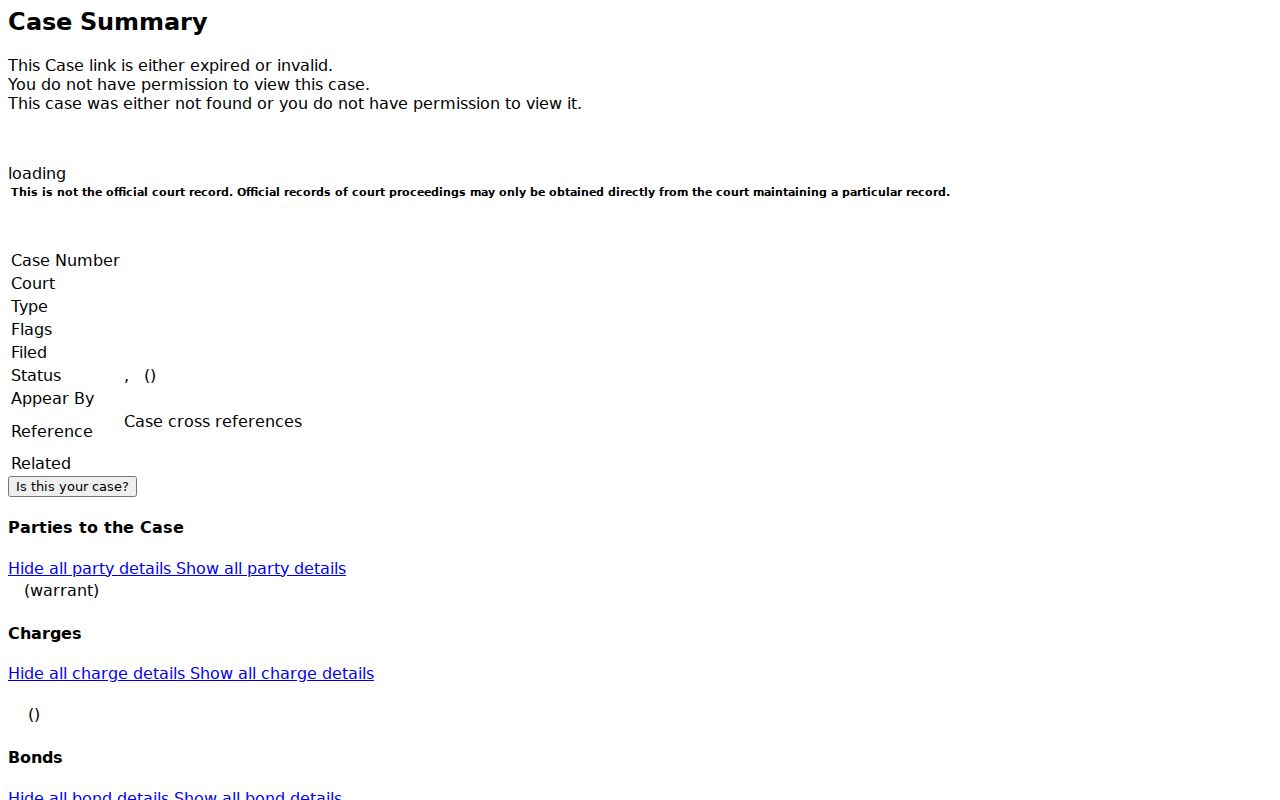
The interface image helps distinguish visible metadata from a complete certified case file.
Types of Civil Cases on the Docket
Fulton County's civil docket covers many matters. Collection, tort, plenary, small claims, family, probate, and property cases all appear. MyCase splits Civil, Family, and Probate into separate filters. Remote access rules differ among them. A public caption may name a person, a business, an estate, or a public body. Still, it will not reveal every protected filing in the file.
- Collection and other money claims
- Tort and plenary civil actions
- Small claims assigned to Superior
- Family matters where records are public
- Probate and estate proceedings
Handle family and probate labels with care. Some filings hold protected personal, medical, or financial data. Read the access rule and the actual public event rather than assuming the whole case is open.
Fulton Small Claims Route
Small claims are a handy routing clue in Fulton County: they belong to Superior Court. The assignment still does not replace a look at the case header. A small-claims docket may list many entry types. These include filing, service, appearance, hearing, default, dismissal, judgment, garnishment, and satisfaction. Other post-judgment entries appear too. Those terms mean different things, so do not treat them as interchangeable.
- Service
- Formal delivery recorded through a summons or return event.
- Default
- A result tied to a failure to respond or appear, subject to the actual order.
- Judgment
- A court's adjudicative decision or obligation.
- Satisfaction
- A later record that a judgment has been satisfied, when properly entered.
A judgment is not the same as satisfaction. A balance shown on the docket may be stale. Ask the clerk for a current amount, a payment posting, a certified judgment, or a certified satisfaction.
When reporting a default, quote the event's exact description. Find the signed order if it is public. Never predict collection steps from a label alone. Service events deserve the same narrow treatment: record that service or a return was filed, without copying a protected home address or other data the case does not require. If an order image will not load, the docket's date and description give the clerk enough to locate the document.
Settings and Hearings on Civil Dockets
The hearing entries carry the schedule. A Fulton County civil docket lists a motion hearing, a status conference, something tied to mediation, a trial setting, or another proceeding. MyCase HearingEvent fields cover date, time, judge, court name, session, result, and cancellation notes. A future hearing may list a time while the judge field stays blank.
Always read the newest entry first. A canceled date can linger in the chronology even after a new setting replaces it. A stale line can cost you a trip. The county posts no standalone public calendar page. Verify anything time-sensitive with the court office itself. Circuit lists 574-223-4339, and Superior lists 574-223-3506. Both close their offices from noon to 1:00 p.m. on weekdays.
Administrative Rule 9 requires daily calendars and dockets to be available electronically or otherwise. If MyCase leaves the question open, ask the staff where the current daily calendar or counter access lives.
Fulton Civil Judgments and Balances
The clerk keeps the judgment dockets. The clerk also handles judgment monies. But MyCase financial data can lag behind reality. Know what each entry means. A judgment event records a ruling. A garnishment is a later process. A satisfaction is its own distinct filing. A closed case does not always mean every collection or payment issue is finished. Pin down the exact instrument and its event date before relying on any figure.
For a certified copy, give the Fulton court, the case number, a document description, the number of copies, and whether certification or other authentication is needed. The county clerk page lists no flat certified-copy price or delivery schedule. Confirm the fee, accepted payment, and pickup or mail process before you order. The counter sits at 815 Main Street, Rochester, Indiana 46975, open weekdays from 8:00 a.m. to 4:00 p.m.
Key distinction: MyCase helps locate and read public docket events. The Fulton clerk supplies the official or certified record.
Public Access to Civil Dockets
Indiana sets its access rules in layers. Rule 4 opens with public access in all formats. That baseline holds unless a rule, law, or court order limits it. Rule 5 then shields entire confidential cases plus specific material like medical records, treatment information, protected addresses, personal identifiers, and some family or juvenile content. Rule 6 handles extraordinary exclusion through a documented process. The official Rule 4 page spells out that public-access baseline.
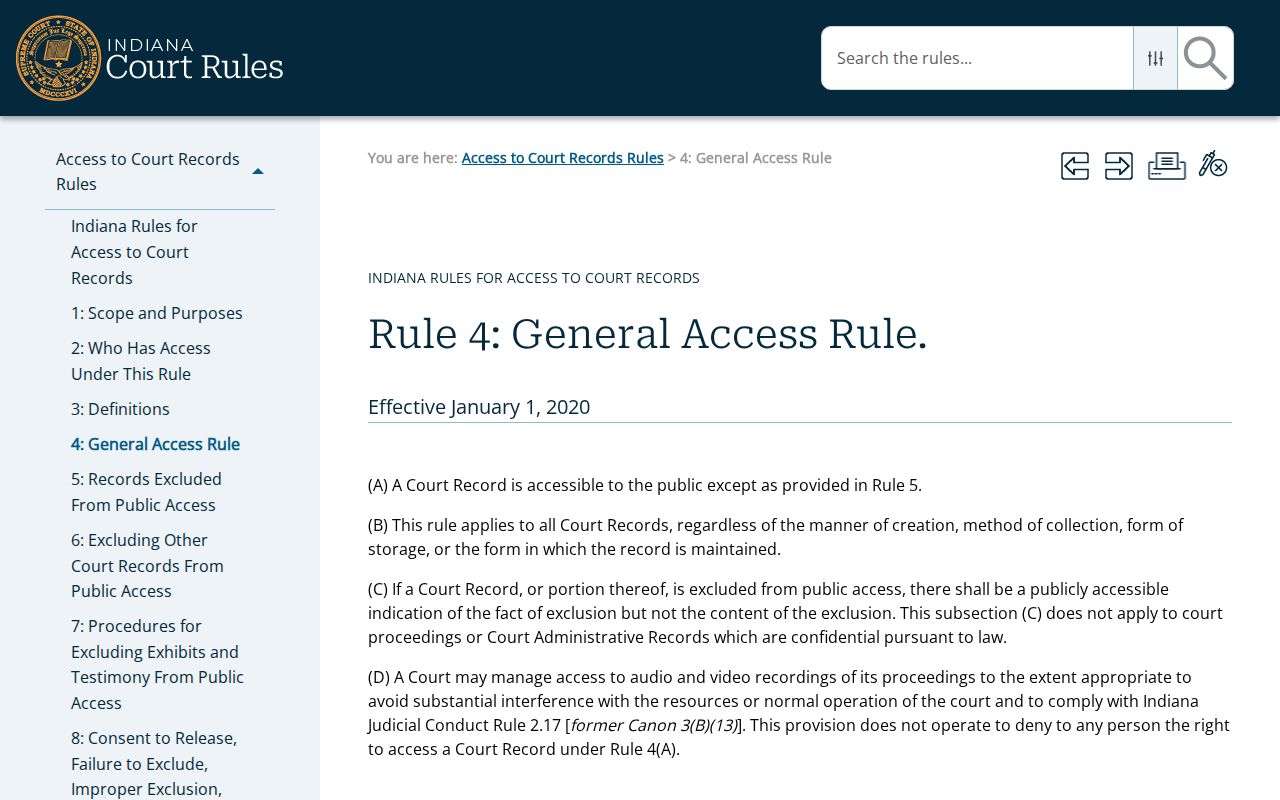
The rule keeps Fulton civil court records open. The separate restrictions on protected content stay in force. Indiana Code 5-14-3, the Access to Public Records Act, governs general public-agency records instead. A court-file request still follows court access rules and the local clerk's process. A generic agency form cannot override a sealed order. Nor can it force release of a protected pleading.
Missing Fulton Civil Docket Documents
A failed search does not mean no Fulton County civil docket exists. The case may be new. It may be indexed under another identifier, restricted, older than the electronic index, or filed in the other Fulton court. Local rules say computerized recordkeeping began in 1989. Pre-index records may need a clerk search, microfilm review, a judgment-docket check, or physical inspection.
Work the full access chain. Search MyCase first. Then call the clerk at the county-published number, 574-223-2911, for routing and document availability. Visit the counter for public inspection, or ask about mail and fax procedures. The state directory lists a different clerk number. Verify the current one before sending anything sensitive. If a document is withheld, ask which rule or order controls, without requesting protected details.
An Indiana Courts account can widen party access to a person's own case after verification. It never makes someone else's protected record public. For a fuller walkthrough, see the Fulton County case search process.